iaen.es / android / capturecam
CaptureCam
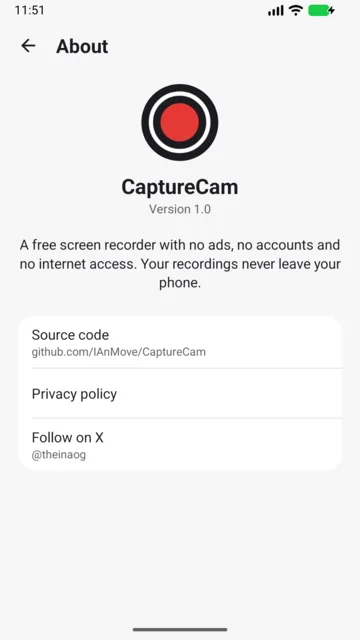
Record your screen. No ads, no accounts, no internet access.

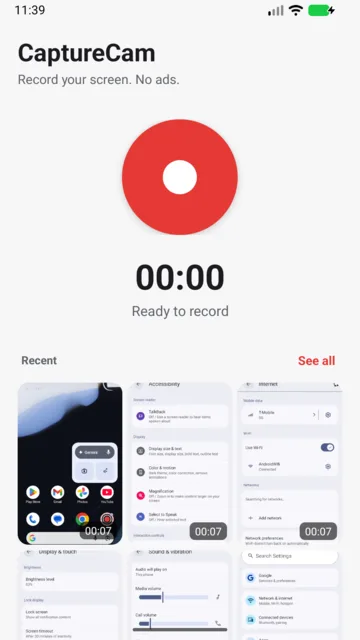
// What it does
Whole screen or one app
Record everything you see or just the app you pick. Android asks for permission every time.
Pause and countdown
Pause and resume any time. Optional on-screen 3-2-1 countdown so you can get ready.
Controls at hand
Controls in the notification and a Quick Settings tile to start and stop without opening the app.
Your way
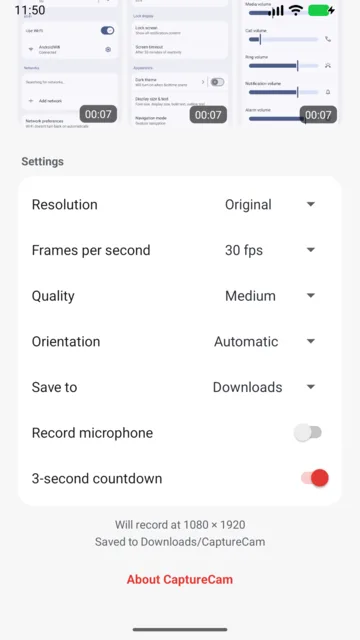
Resolution up to native size, frame rate, quality and orientation. Records app sound and, optionally, the microphone.
Built-in gallery
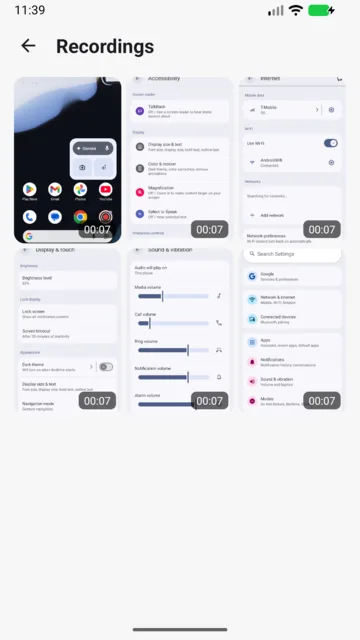
Your recordings in a grid: preview, share, open with another app or delete in a tap.
Private by design
No ads, no trackers. It does not even have the internet permission: it cannot send anything anywhere.
// Good to know
- Requires Android 11 or newer.
- App sound depends on each app: apps that block audio capture, and protected content, are recorded without sound.
- Apps that block screen capture (some banking or video apps) are recorded as black.
- The optional “Display over other apps” permission is only used to draw the on-screen countdown.
- Available in 20 languages, with a per-app language picker on Android 13 or newer.
// FAQ
Is CaptureCam free?
Yes. It is free, open source, with no ads and no trackers.
Do my recordings leave my phone?
No. The app does not even have the internet permission, so it cannot send anything anywhere.
Which Android version do I need?
Android 11 or newer.
Does it record sound?
It records app sound (on by default) and, optionally, the microphone. Apps that block audio capture, and protected content, are recorded without sound.
Where are videos saved?
As standard MP4 files in Movies or Downloads, ready to share.
Why do some apps appear black?
Apps that block screen capture, such as some banking or video apps, will appear black.
Why does it ask for "Display over other apps"?
It is optional and only used to show the on-screen countdown.